
How to get a podcast transcription?
Podcast Transcriber is a useful service that allows you to get text from your audio file in 50 languages worldwide. Absolutely free!
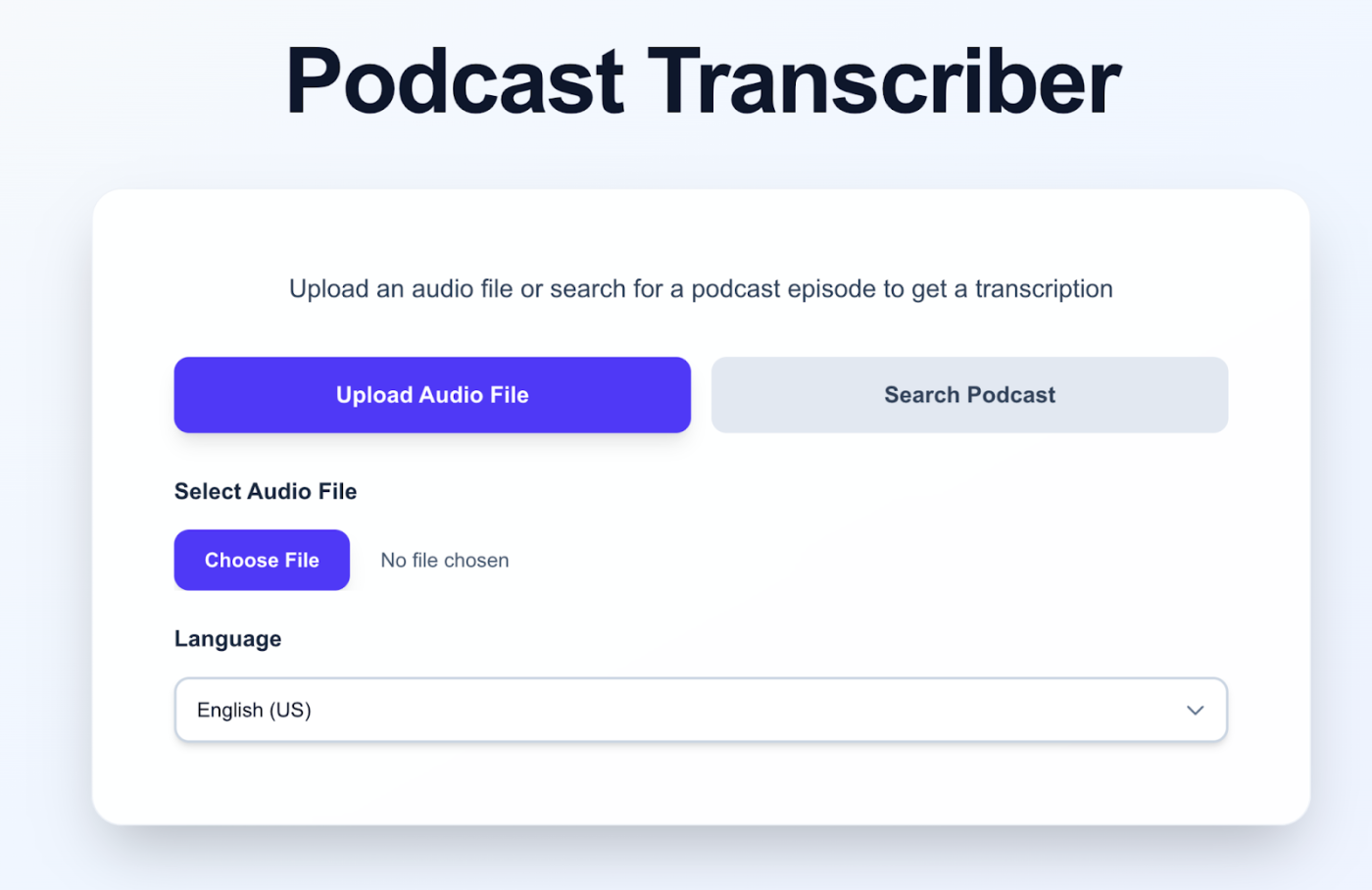
After recording an interview or your own voice, you often need to transcribe the content. Listening to a long audio file manually takes too much time, and using paid services is expensive. This is where our Podcast Transcription service helps you — it allows you to get data from 3 audio files up to 10 minutes each, completely free!
All you need to do:
- Go to the Podcast Transcriber website.
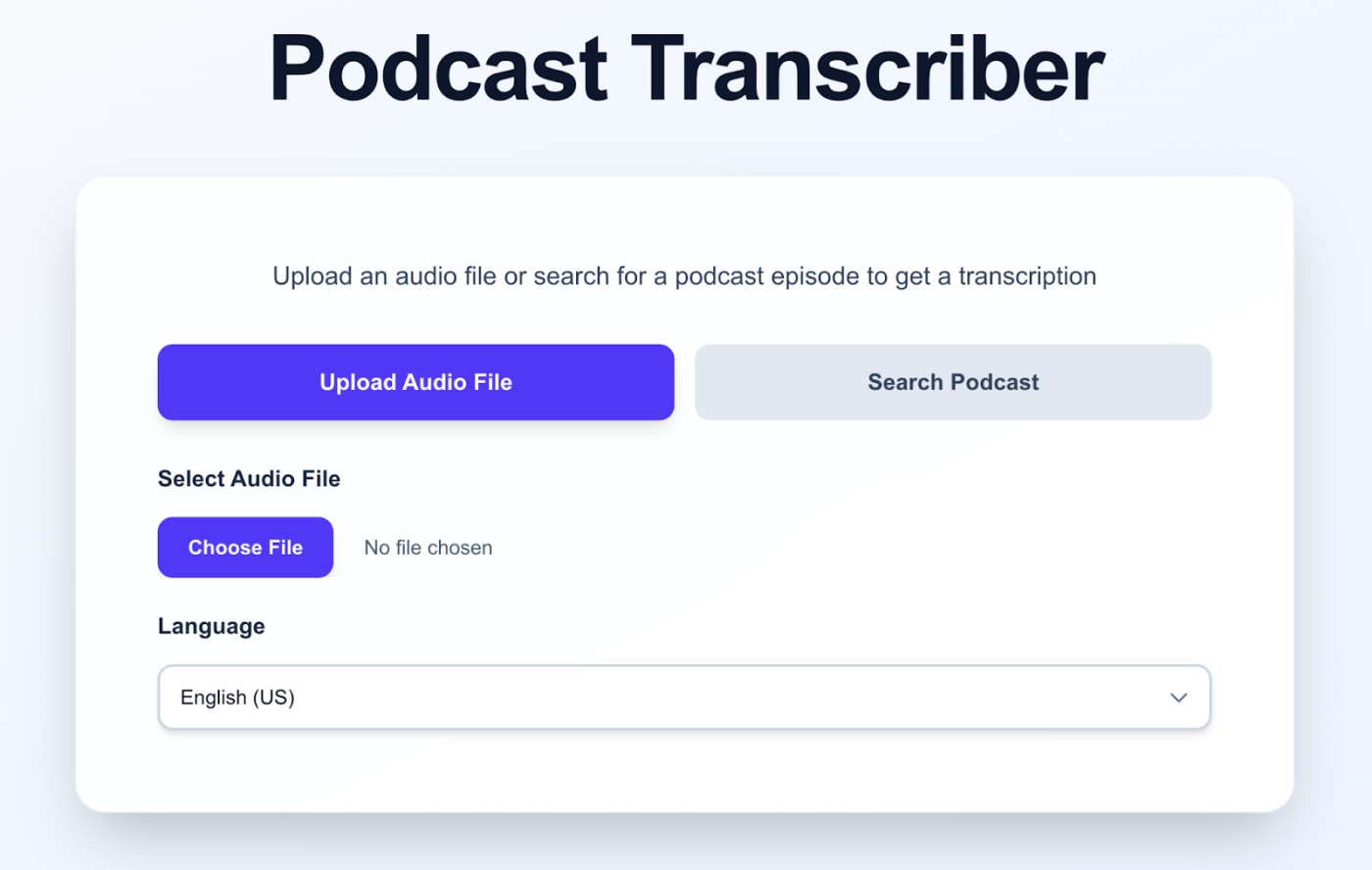
2. Upload the file you are interested in by clicking the Choose File button:
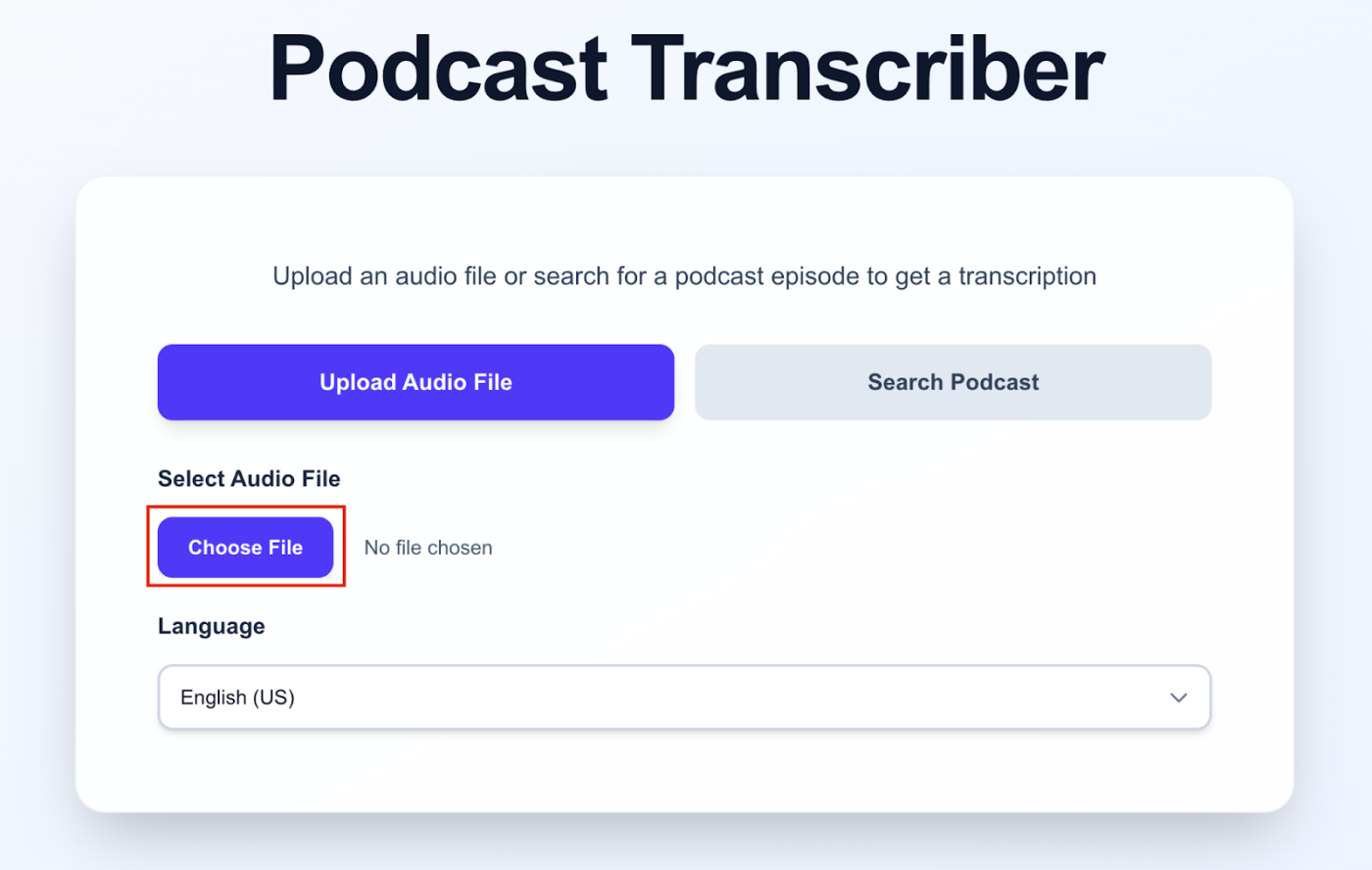
3. Make sure the correct file is uploaded. Its name will appear at the top:
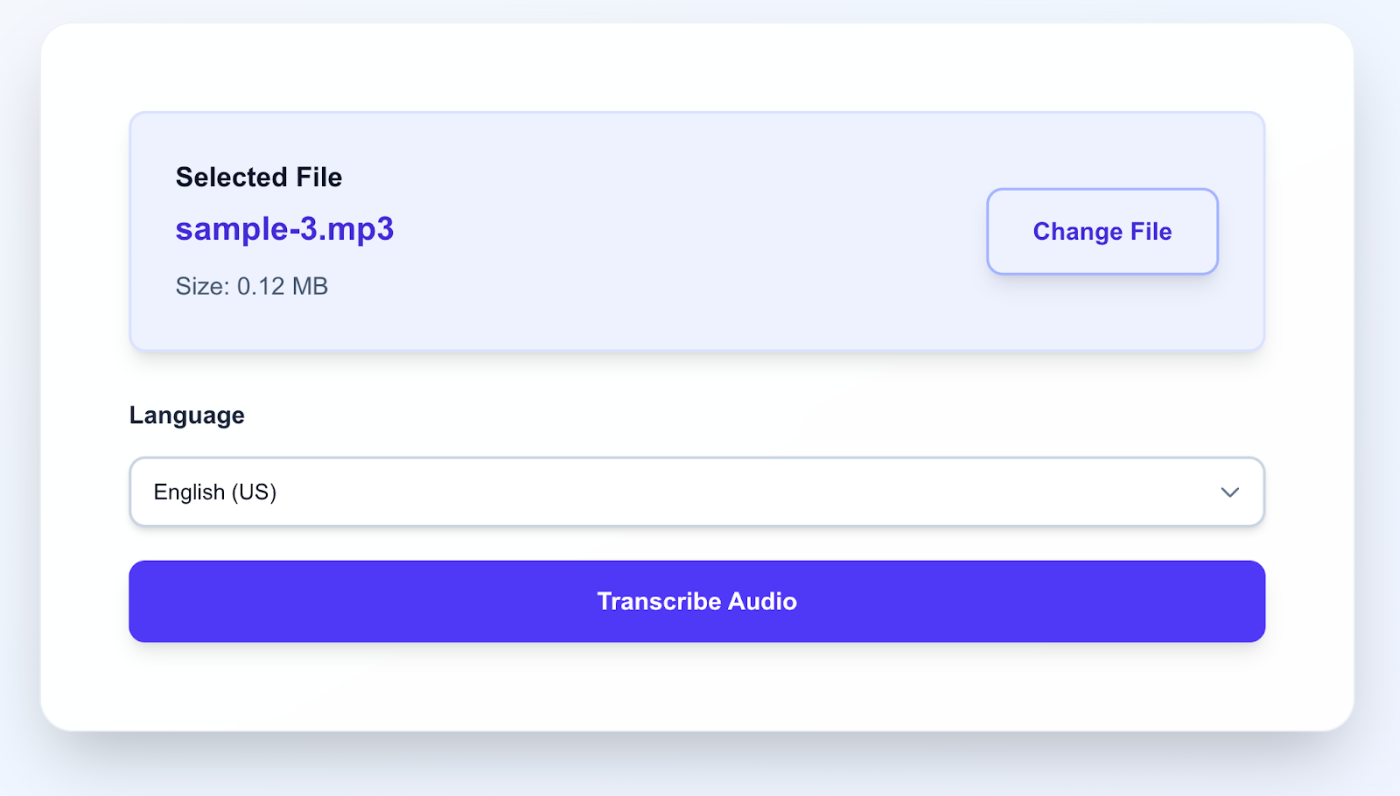
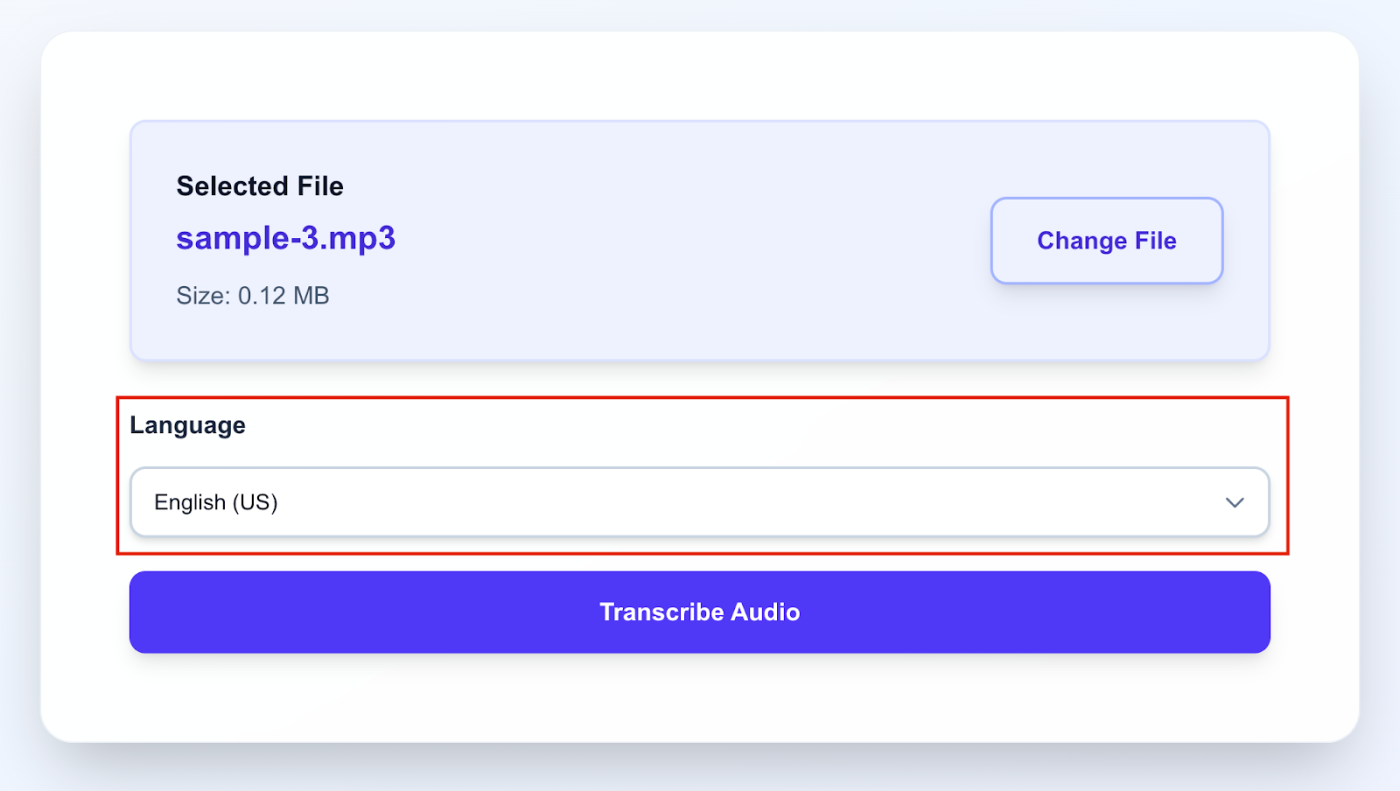
4. Select the audio file language in the Language field:
You can choose from more than 50 languages, including less common ones (Catalan, Kurdish):
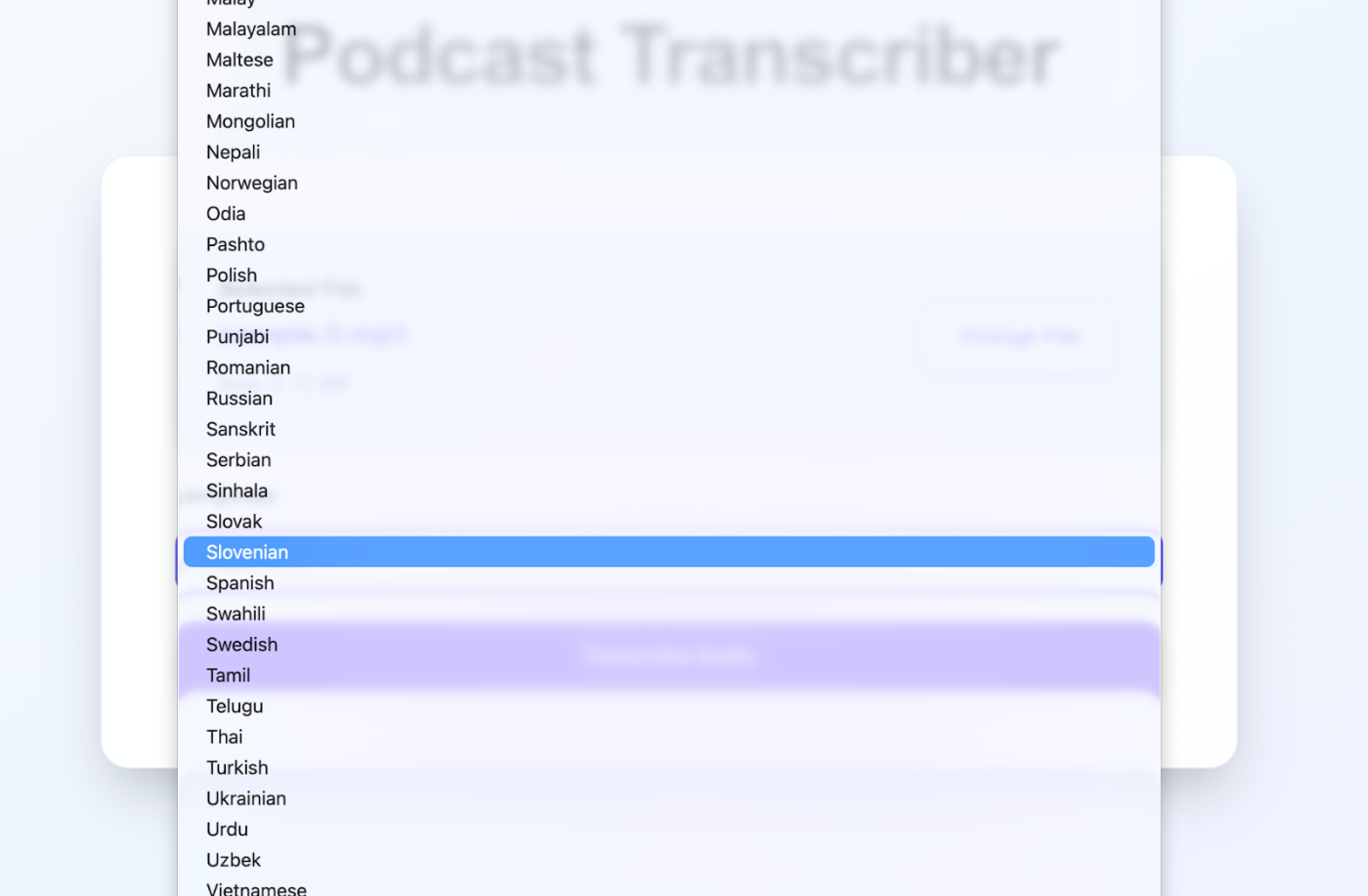
The default language is set to English.
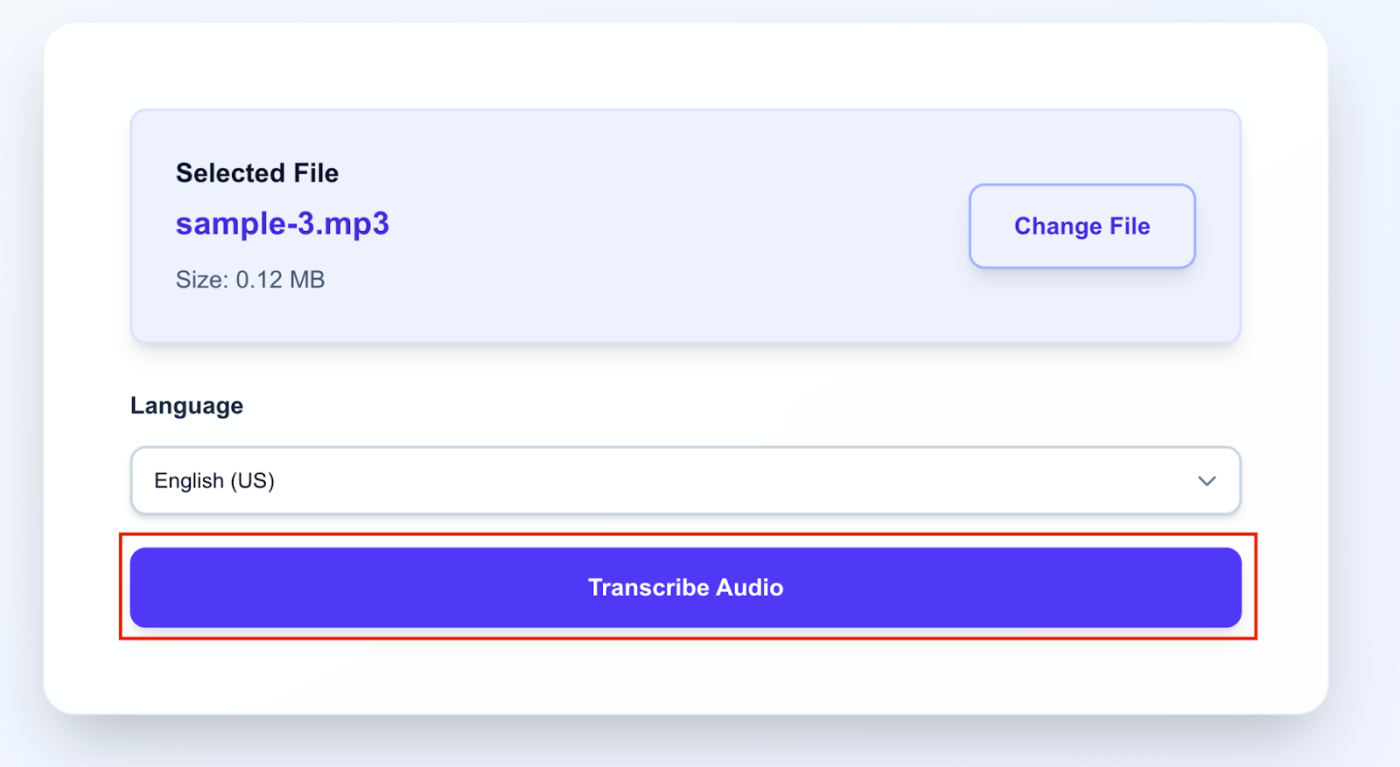
5. Click the Transcribe audio button.
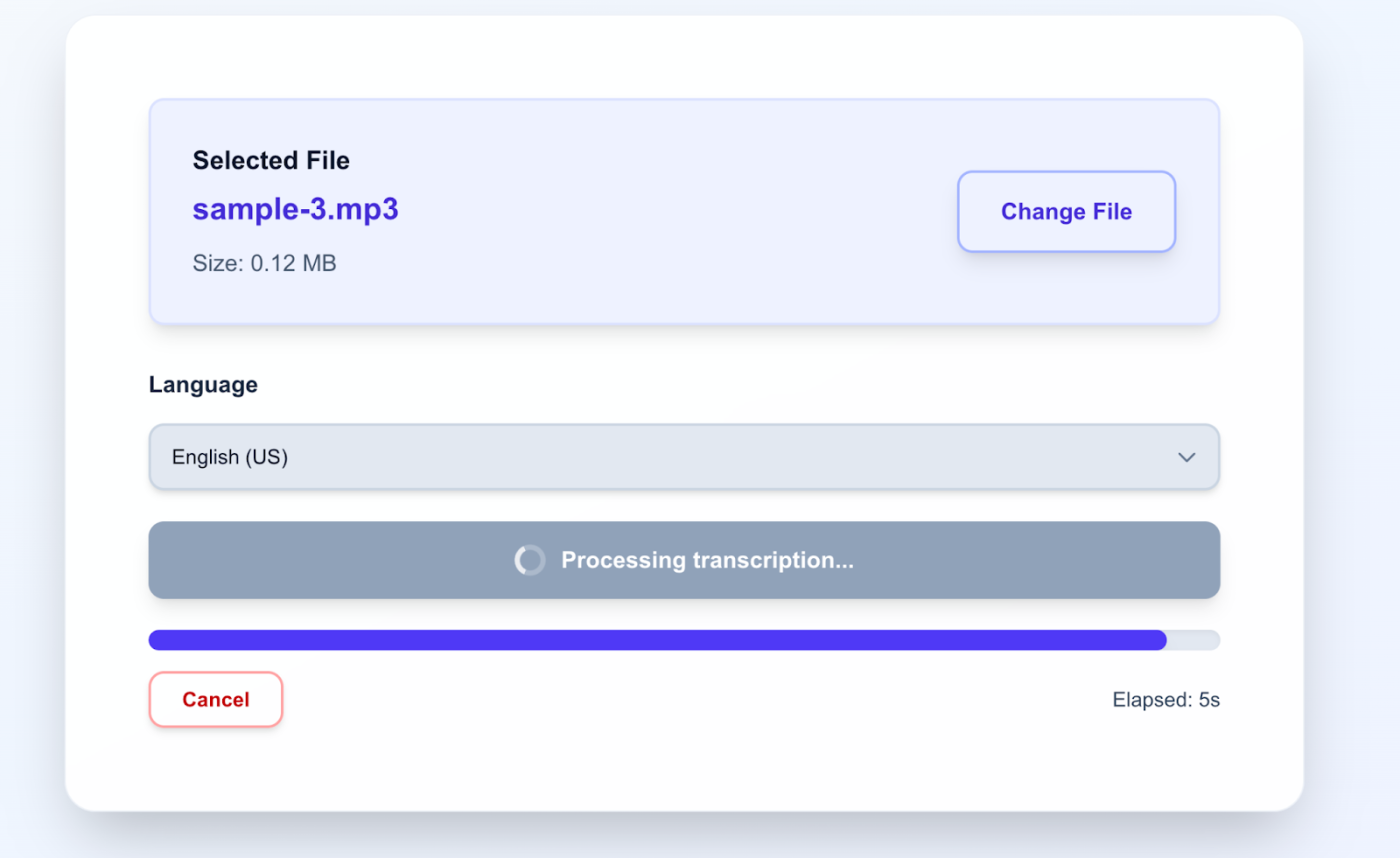
Wait a little…
6. …and get the transcription!
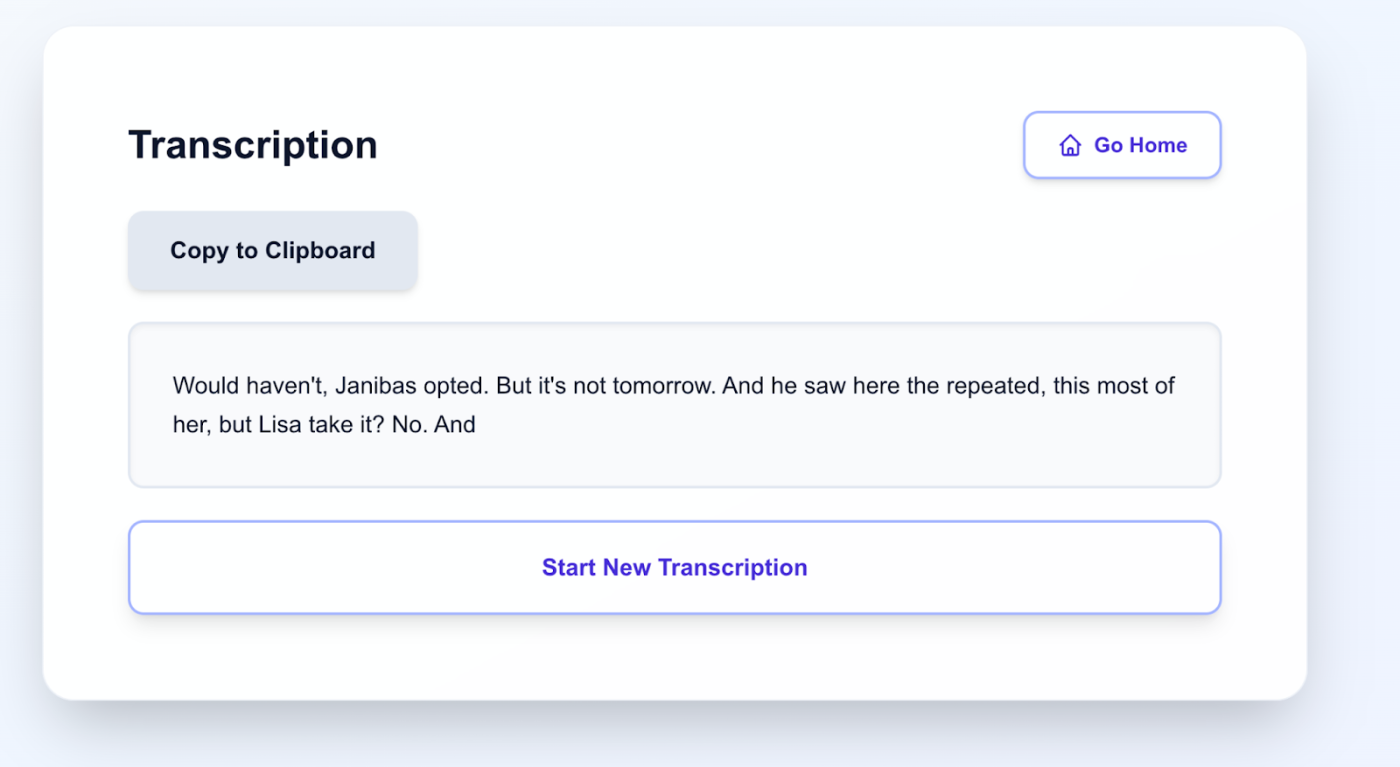
The transcription is ready, and it didn’t take long to wait. If needed, you can copy it to the clipboard by clicking Copy to Clipboard, or upload another file for transcription by clicking Start New Transcription.
Your plan includes the ability to upload up to 3 files, each no longer than 10 minutes.
Our service is available completely free for everyone via the link.
You can also explore the option to get text from a published podcast via the link.