
How to transcribe any podcast from Apple Podcasts or Spotify?
Podcast Transcription is a service that allows you to transcribe any podcast episode. You find the episode you are interested in on Apple Podcasts, Spotify, and other platforms — and we transcribe it. Absolutely free! Works in 50 languages worldwide.
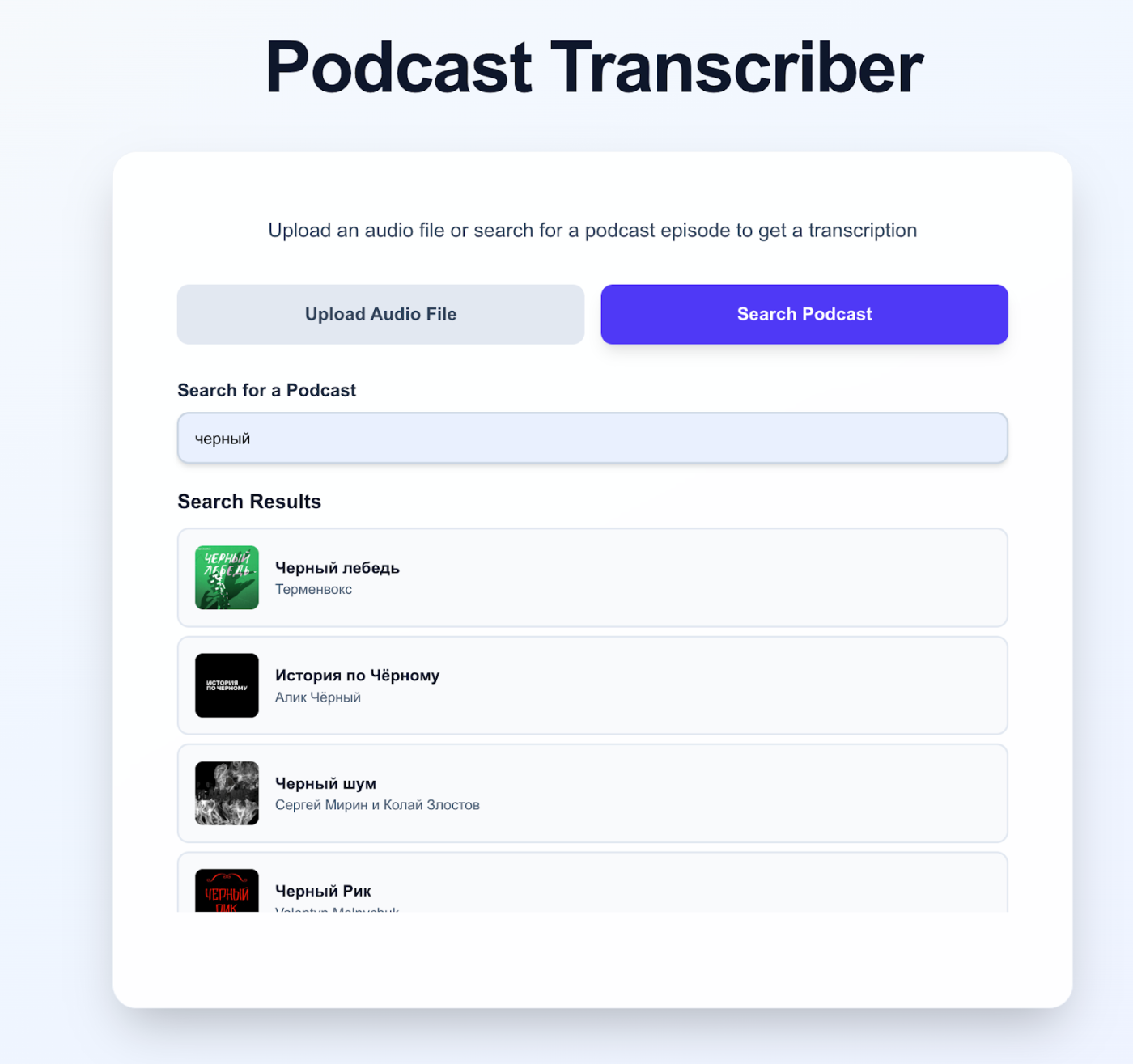
In the life of any podcaster or listener, there are often situations when you hear interesting information in an episode but don’t remember it completely. And you want to double-check what was discussed in that episode. Listening to a 40-minute podcast again is too time-consuming. It is much more practical to find the episode you need and get its transcription in just 30 seconds.
That is exactly what the Podcast Transcriptionhttps://podcasttranscription.app/ service is for. It is extremely easy to use.
- Activate the Search Podcast tab.
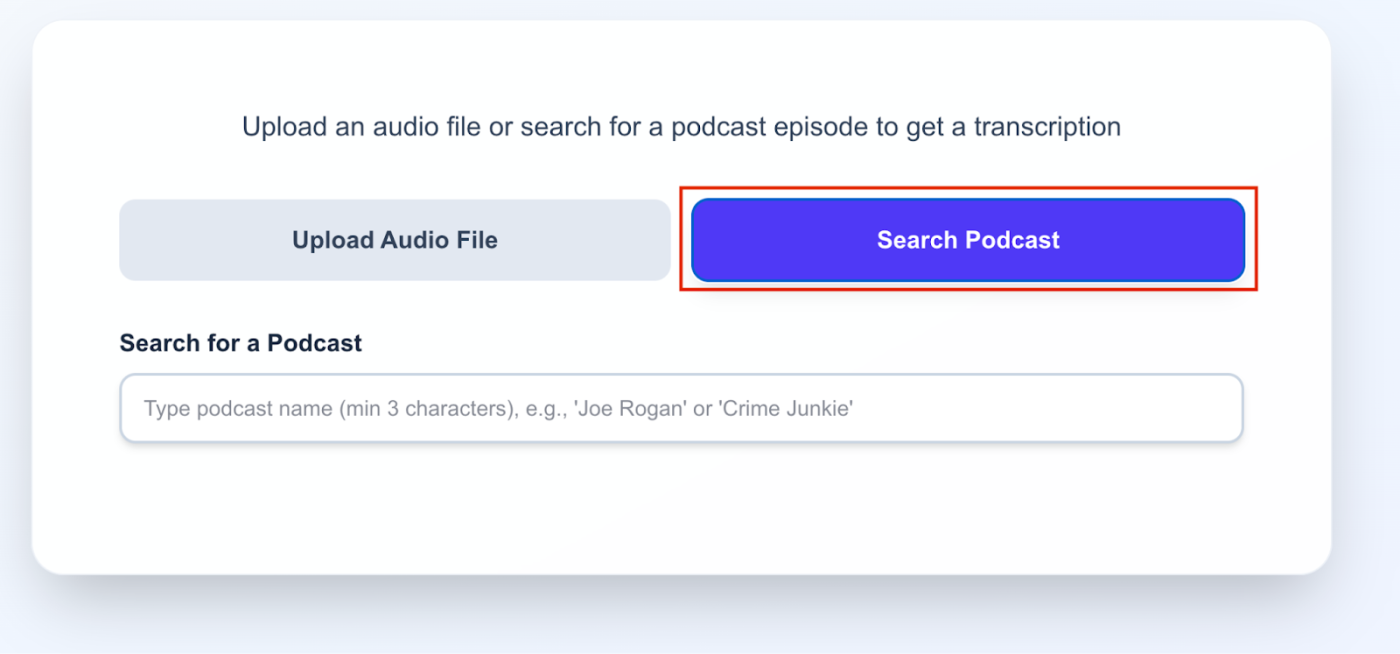
2. Enter the name of the podcast you are interested in. For example, “Black Swan”.
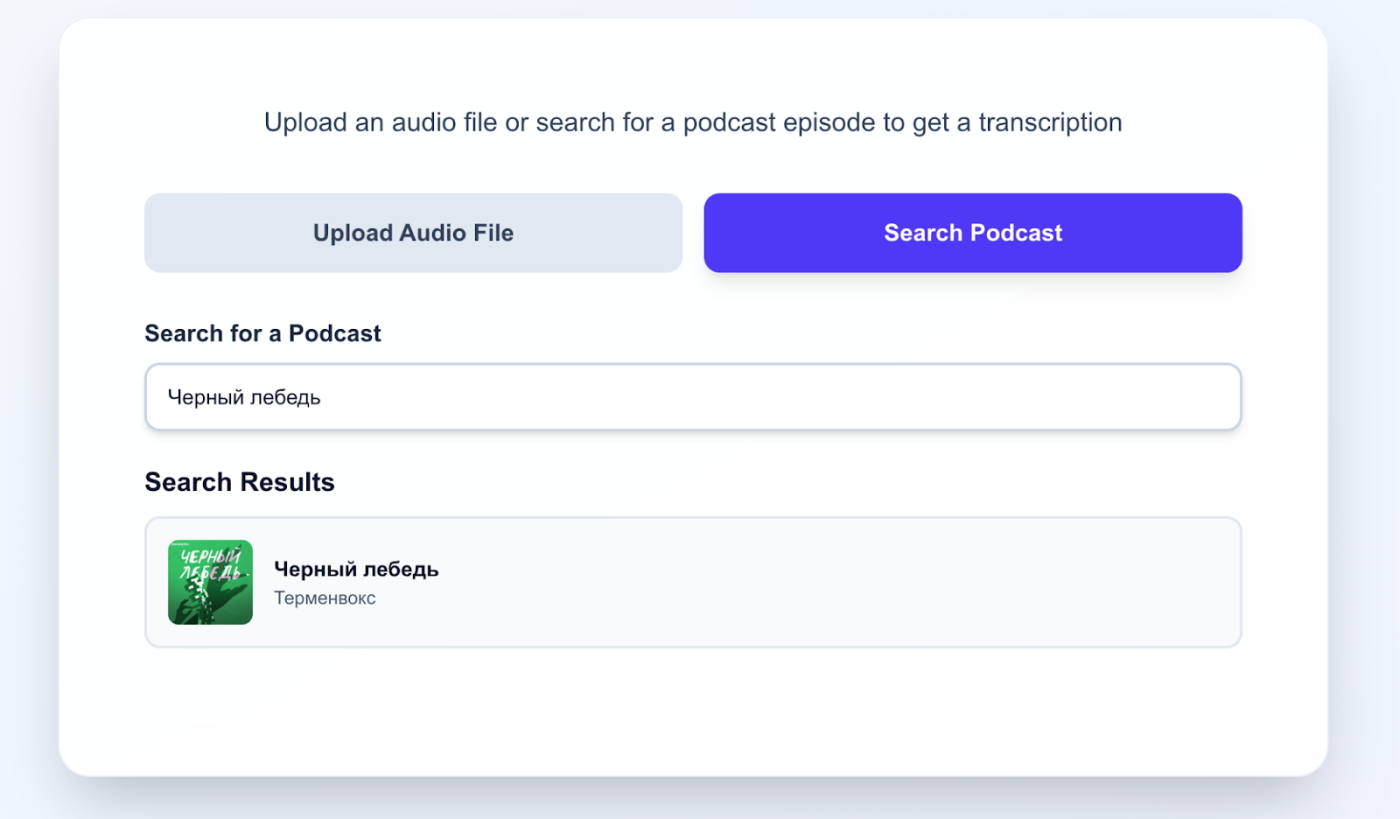
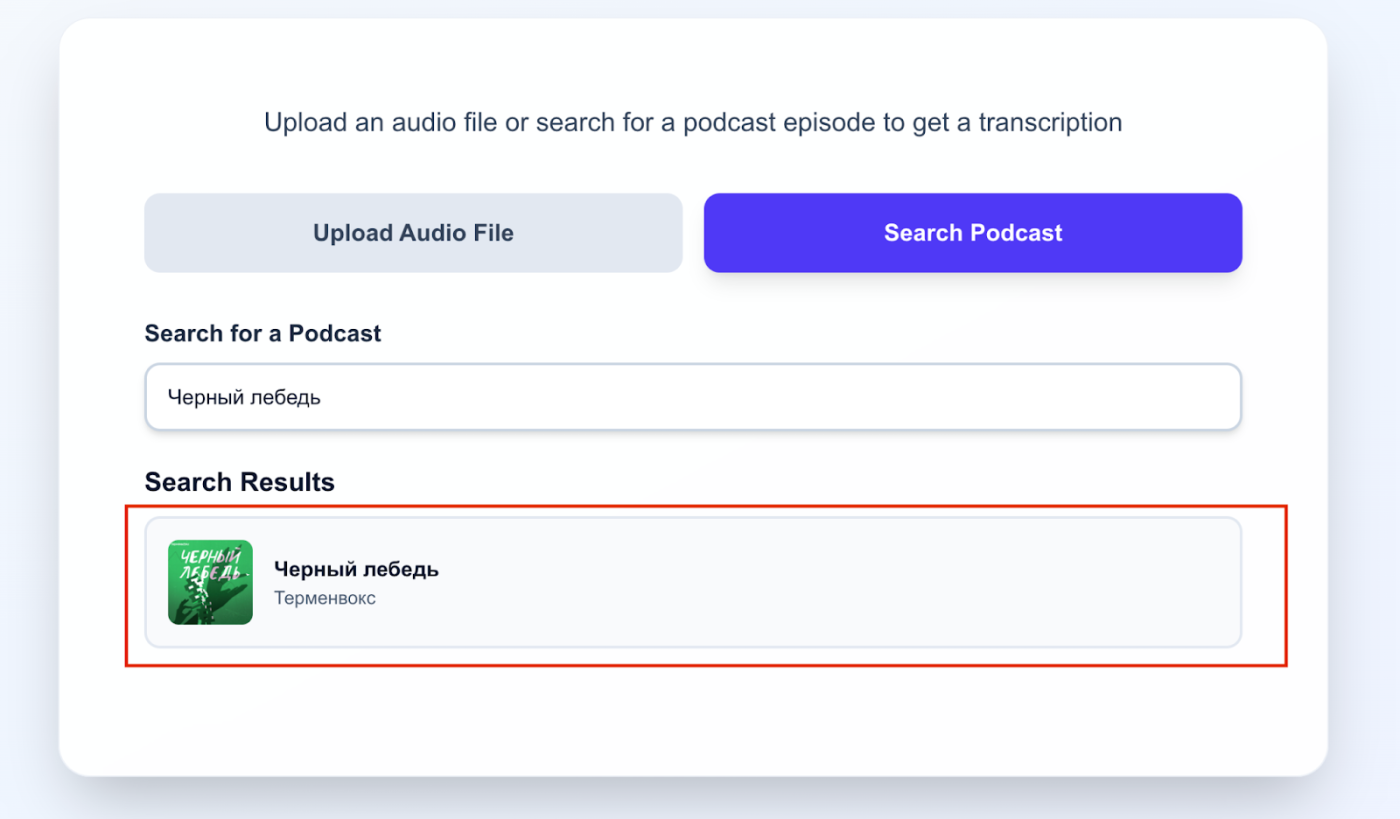
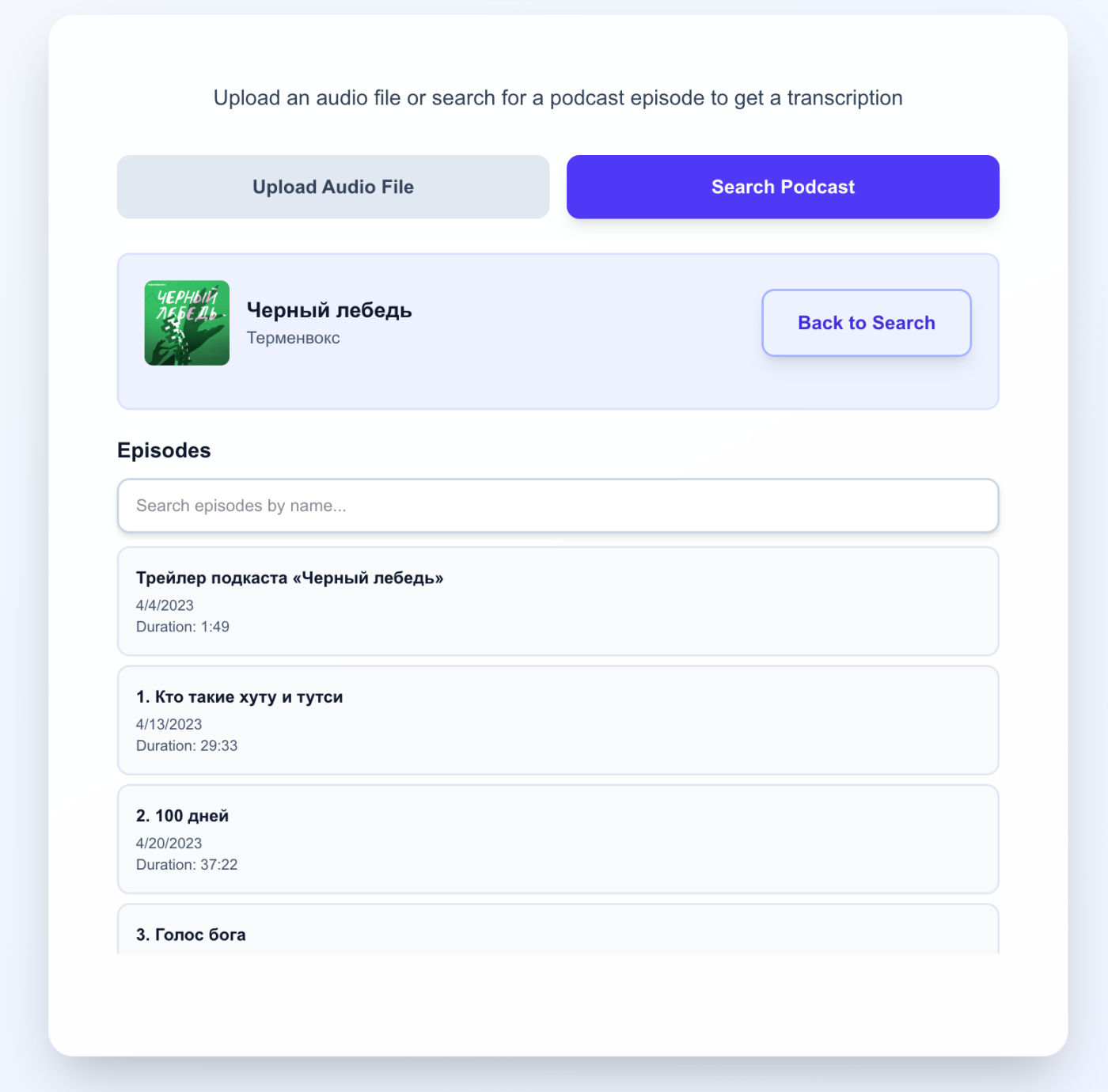
3. Go to the podcast page by clicking on it:
4. Select the episode you are interested in and click on it. For your convenience, there is a search by episode name at the top.
5. You will be taken to the episode page. Make sure once again that the correct episode is selected. If there is a mistake, you can change it by clicking the Change episode button.
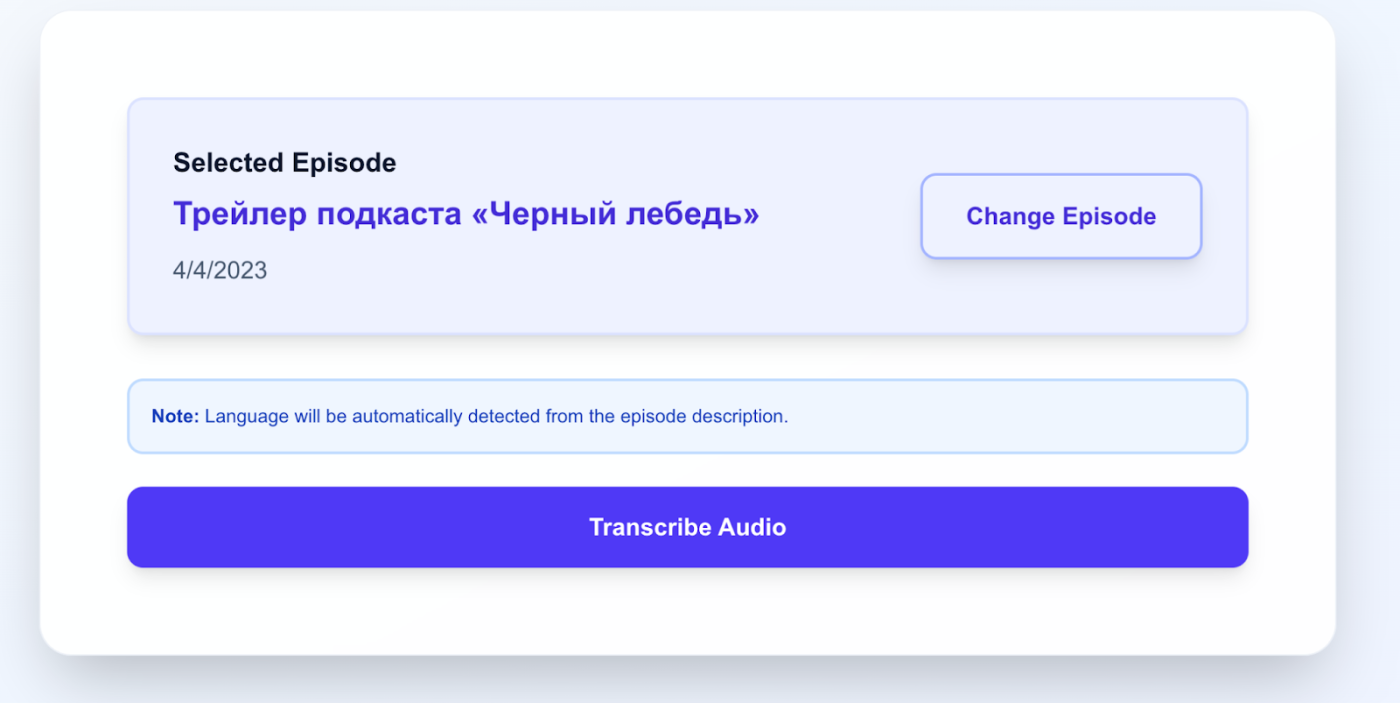
A notification will appear on the screen stating that the transcription language will be detected automatically.
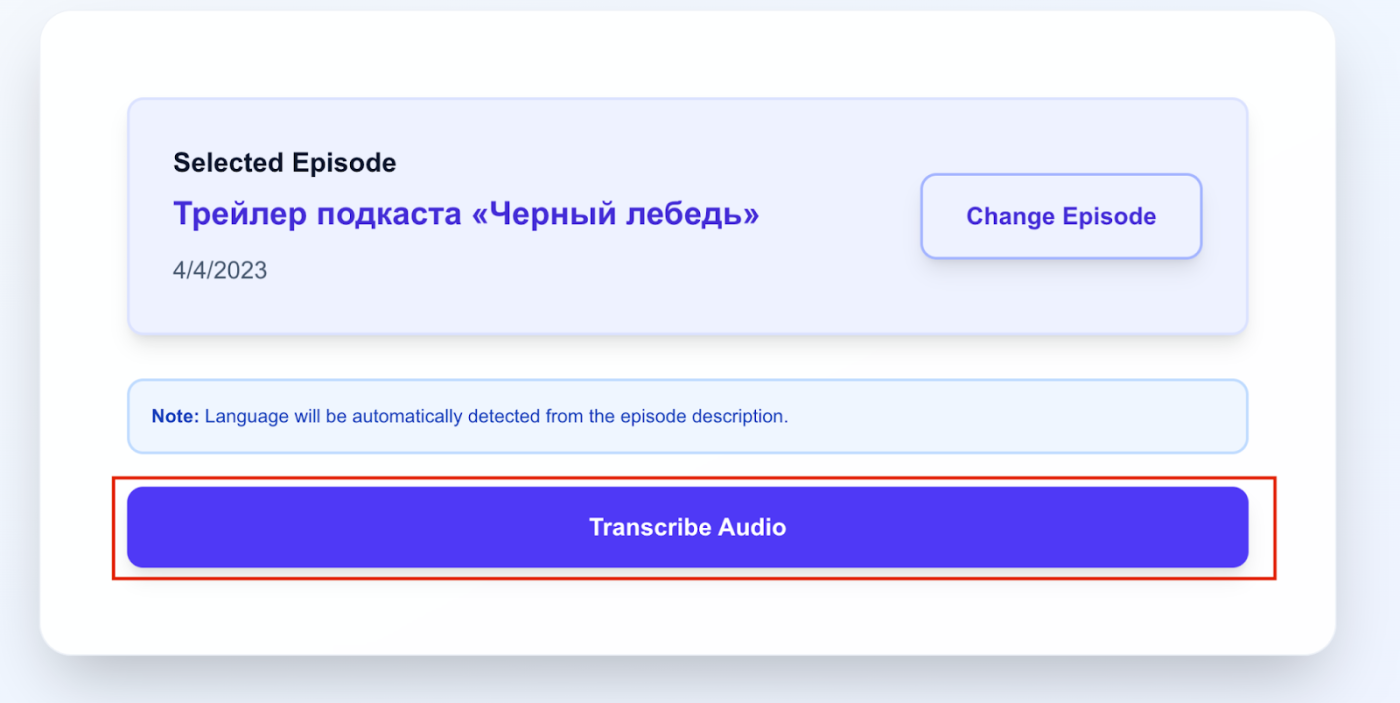
If everything is correct, click the “Transcribe Audio” button.
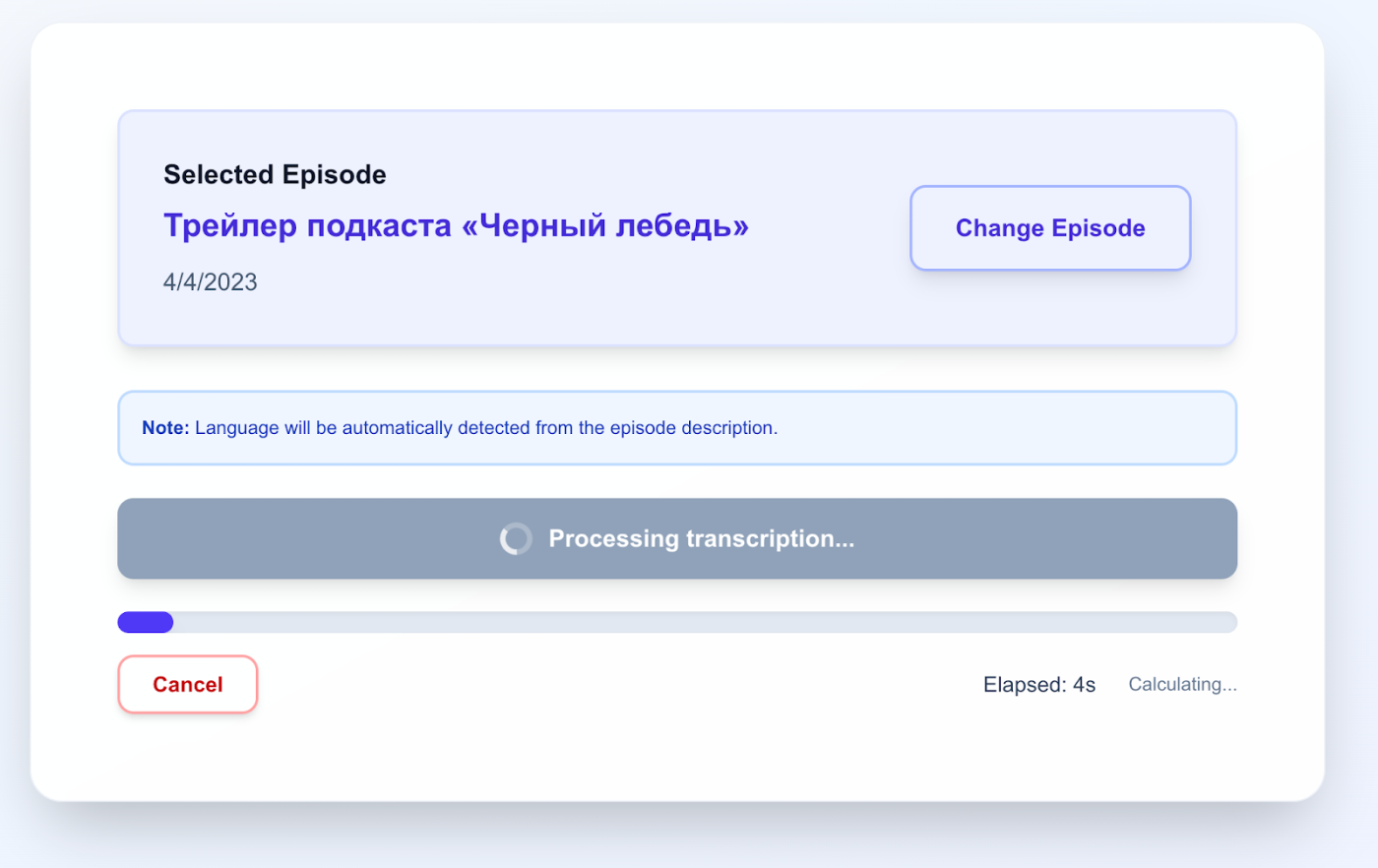
A progress bar will appear — transcription has started:
7. After the transcription is finished, you will see the resulting text.
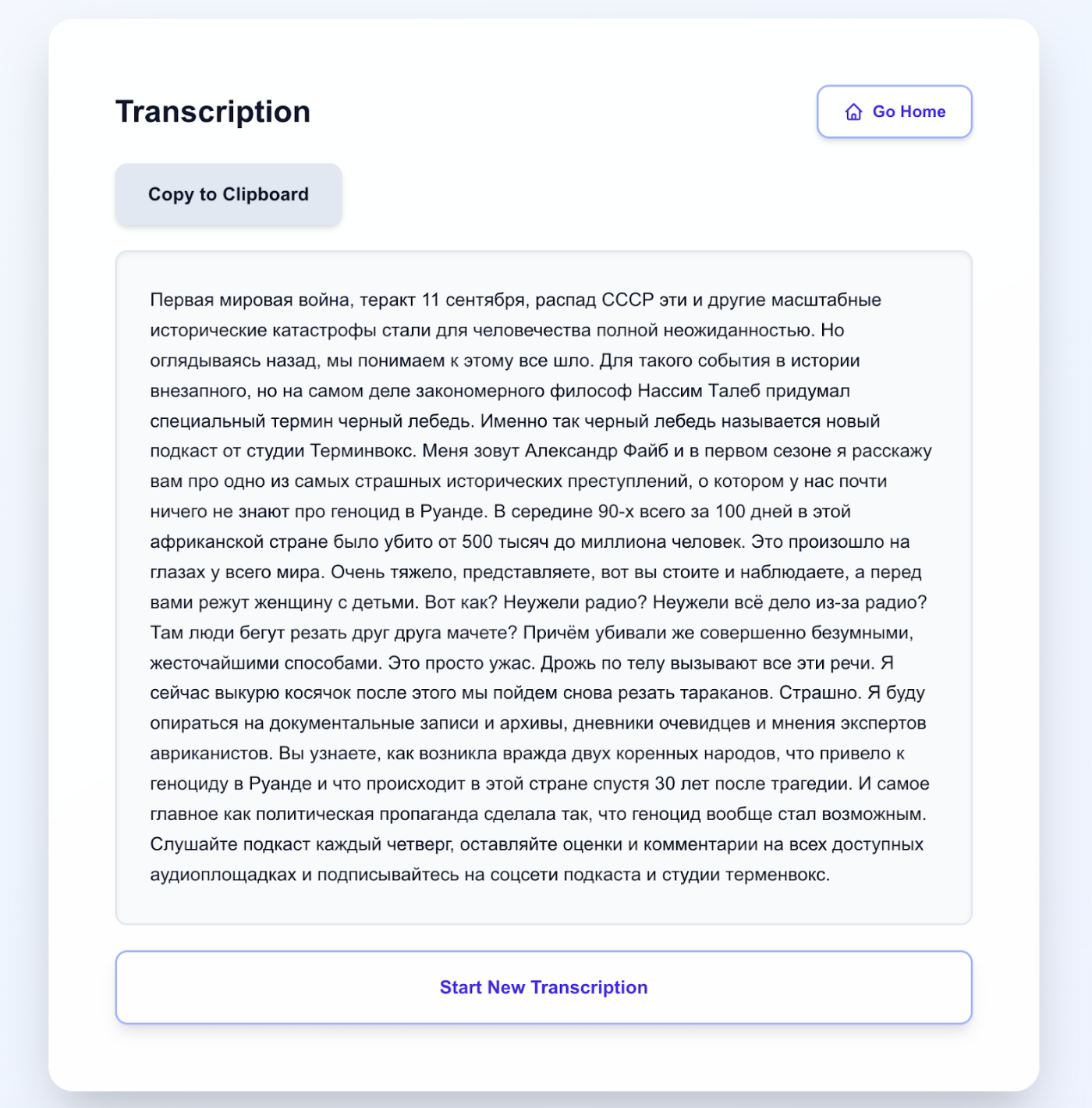
You can copy it by clicking the Copy to Clipboard button, or start the podcast search process again by clicking Start New Transcription.
You can use the service for free here.